Leagues · 1 min read
Run a league
A league is for a crew that plays again and again. Every league night adds to the season's standings.
Step 1: New league
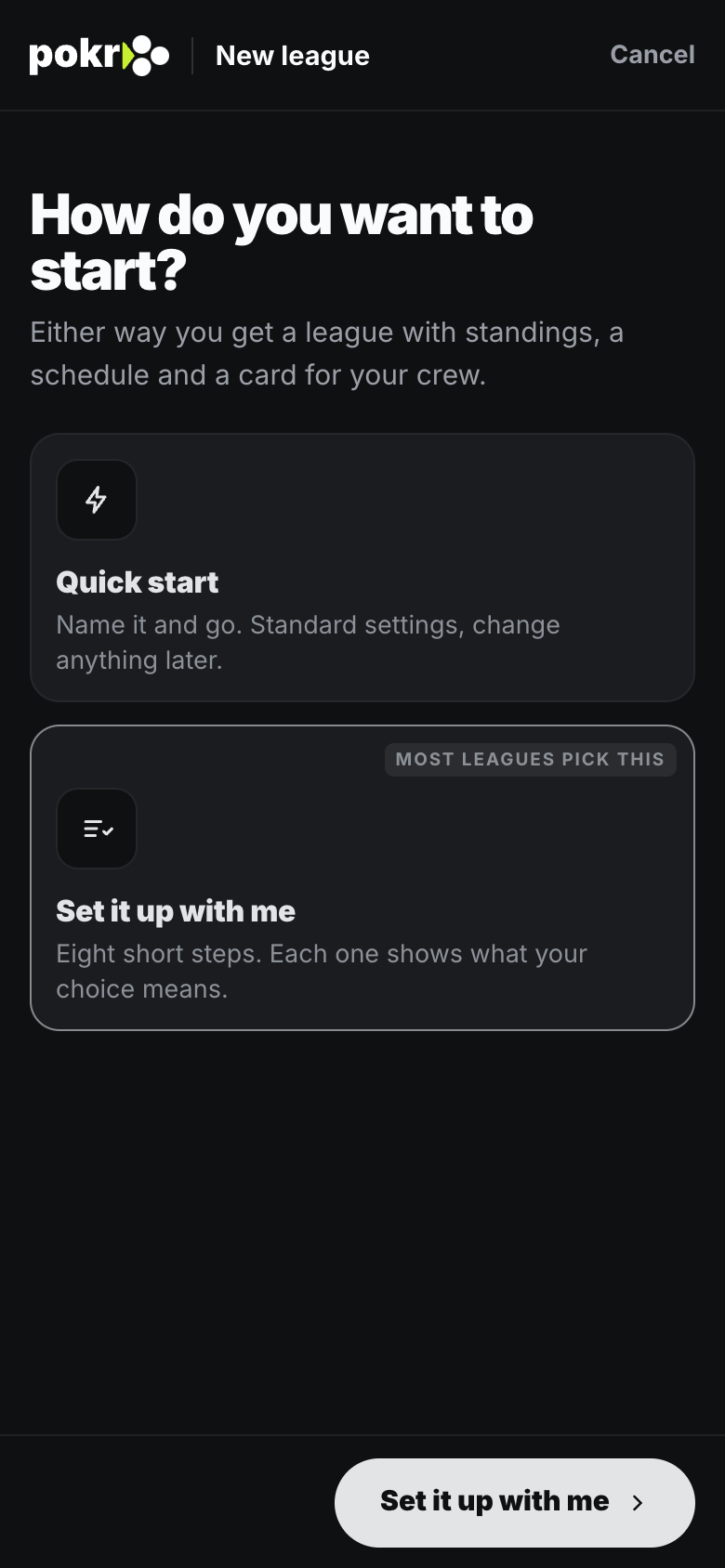
From Leagues, tap New league. Quick start asks for a name and you're done; Set it up with me walks through the rest, one question at a time, with the recommended choice already picked. Tap Create league at the end.
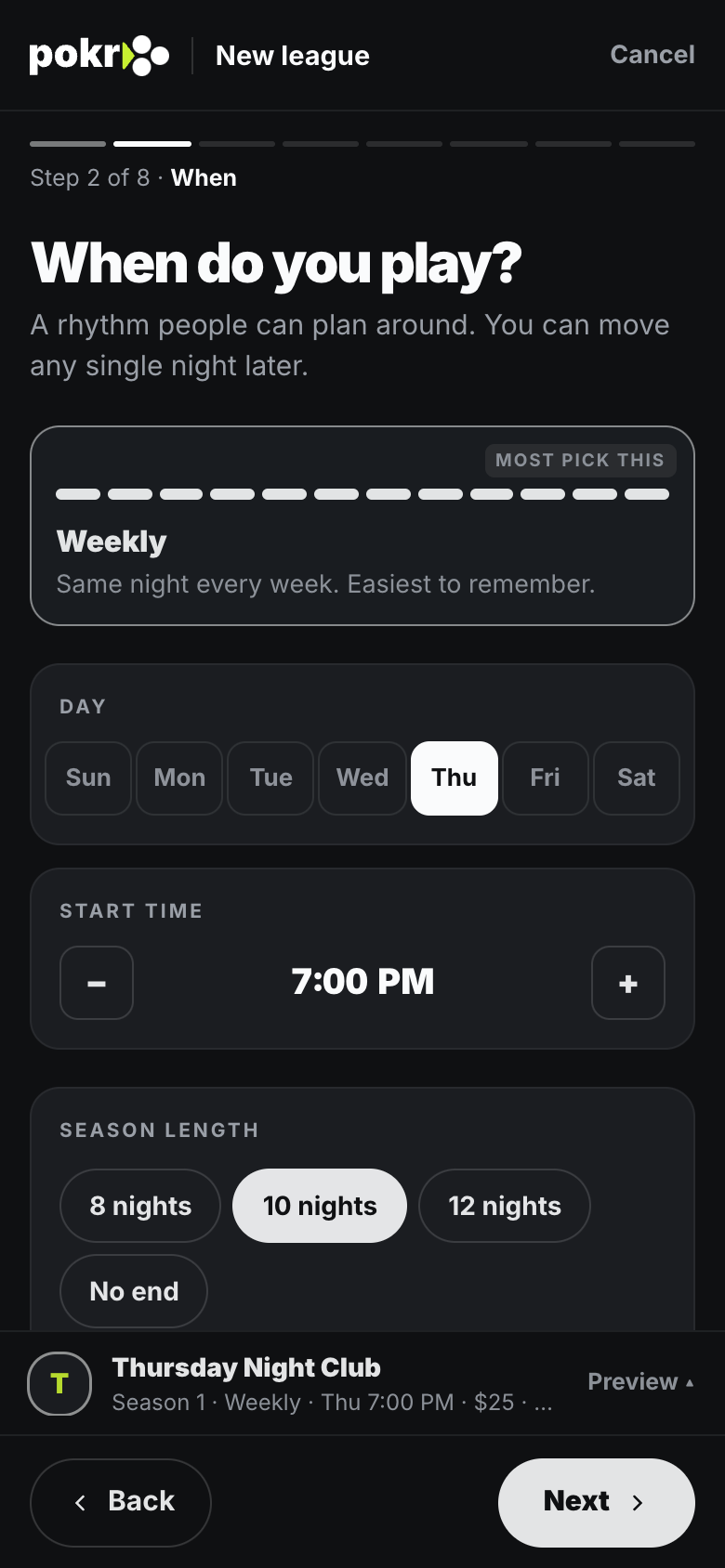
Step 2: When you play
Pick the night and time. The season's nights follow from it, and you can move any single night later.
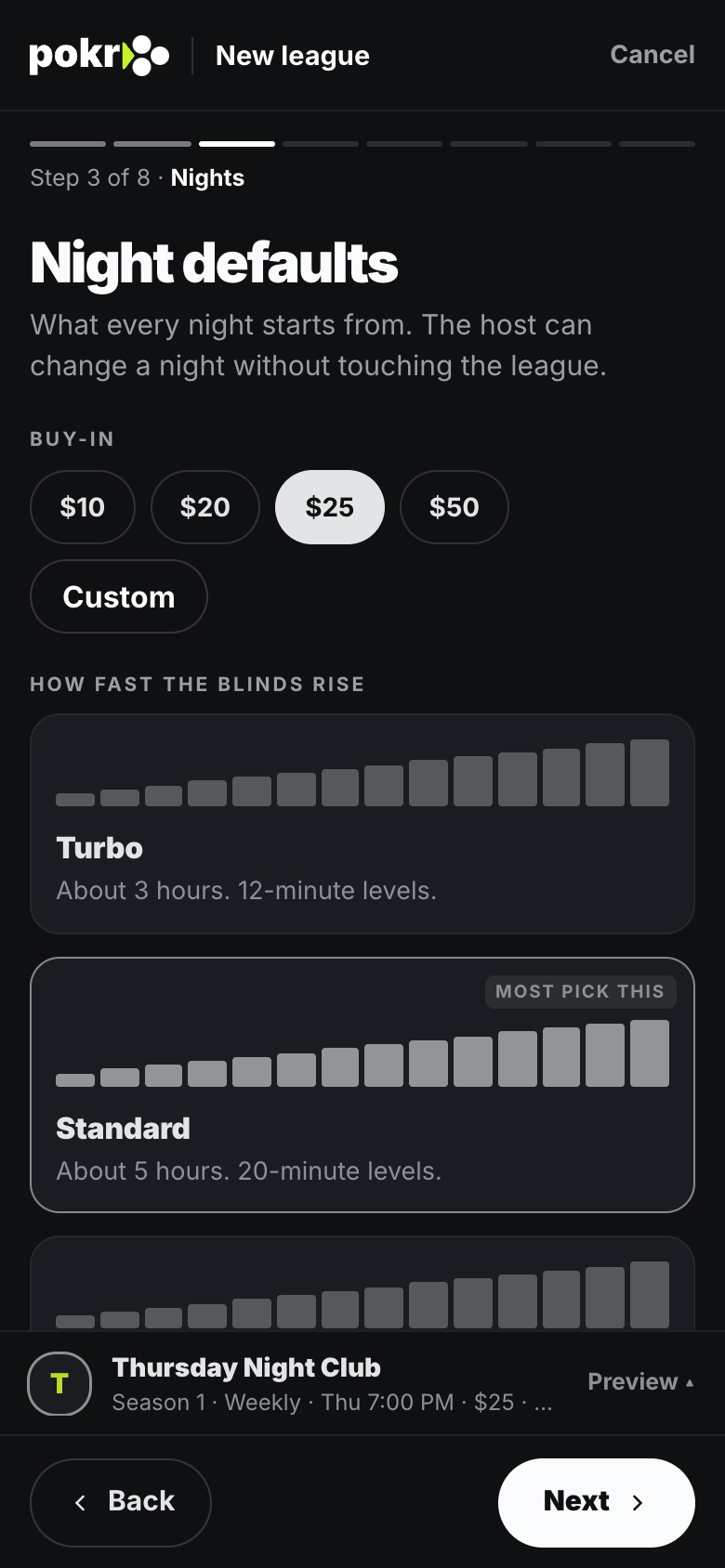
Step 3: Night defaults
The buy-in and how fast the blinds rise. Every league night starts from these, and the host can still change one night without touching the league.
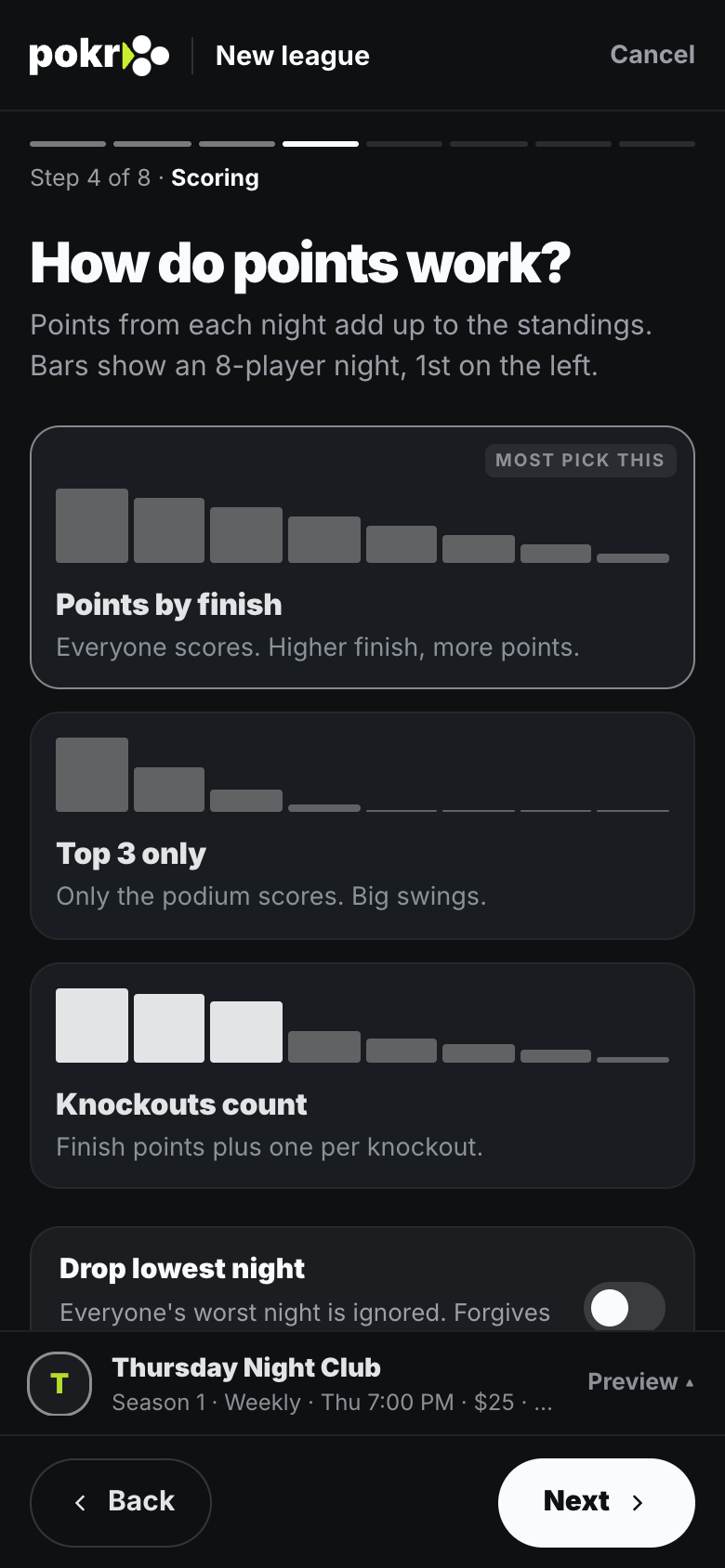
Step 4: How points work
Points by finish is what most leagues use: everyone scores, and a higher finish scores more. Top 3 only and Knockouts count are there too, and Drop lowest night ignores each player's worst night. Points show as pts in the standings.
Step 5: Who can join
Invite-only is recommended: people join with your invite or by asking. You can open it up or close it later.
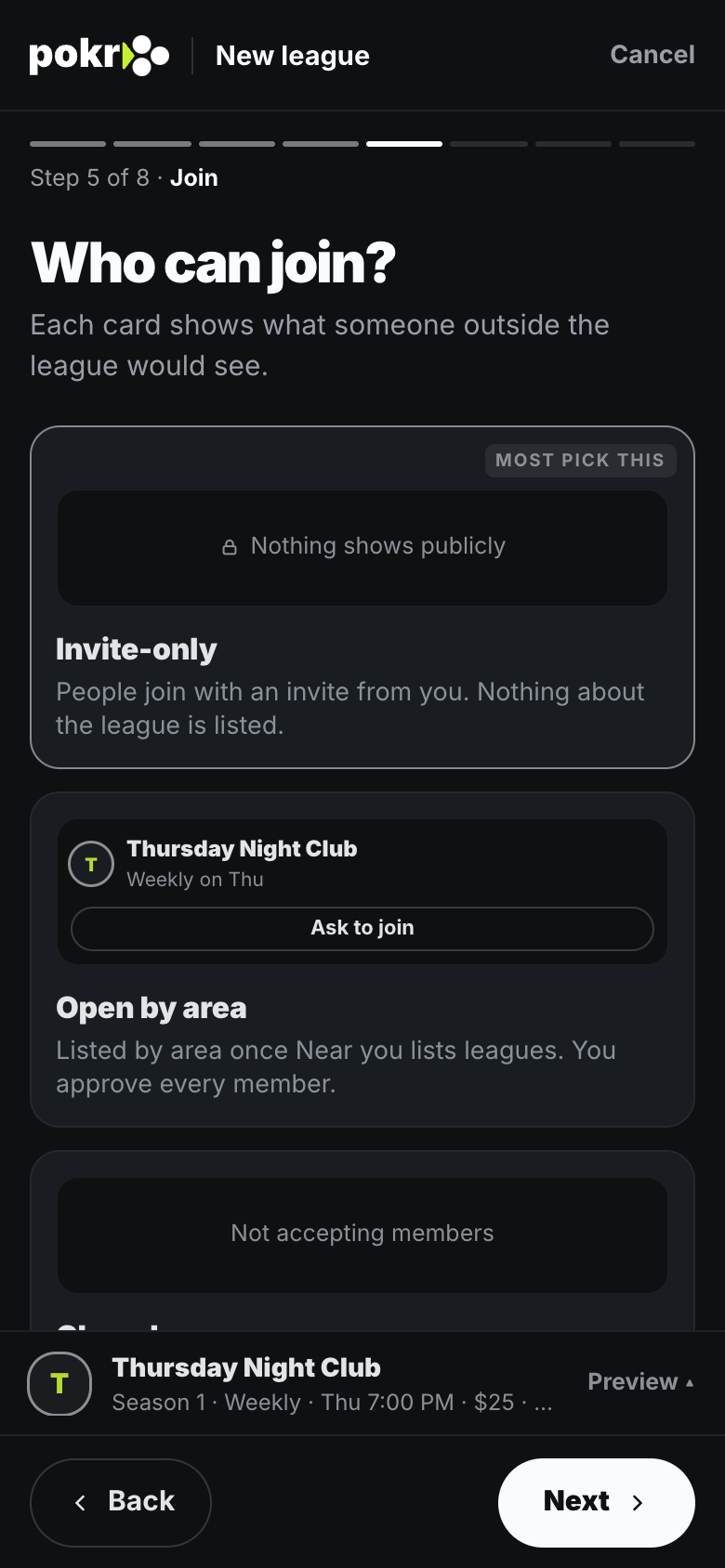
Step 6: Where do you play?
Home game (someone's place, and it can rotate) or Venue (a bar, club or card room). Each night's address is set by its host; members see it once they're in.
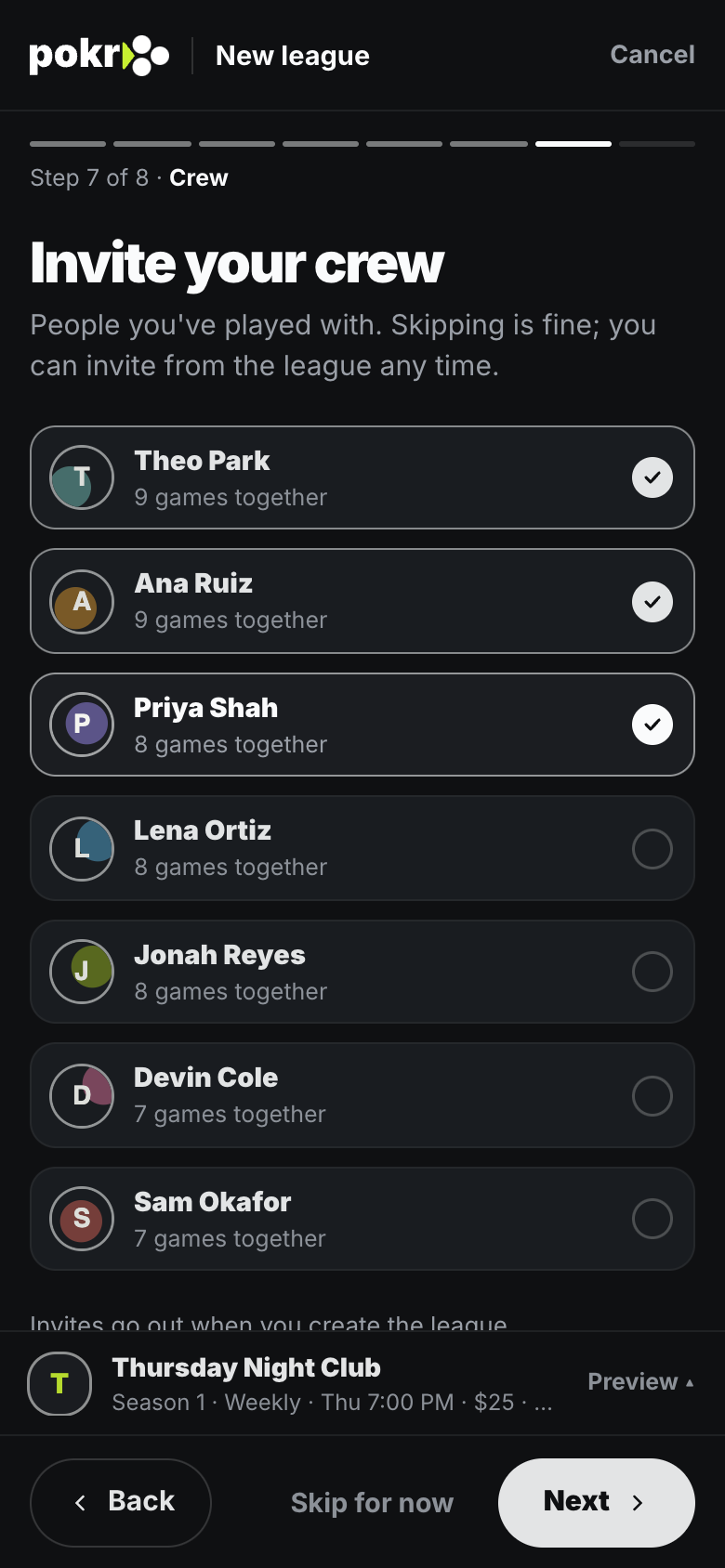
Step 7: Your crew
Pick people you've played with to invite.
Then tap + New league game to schedule a night. After each night, Standings updates by itself. You can change anything you chose in Settings.
Was this helpful?
Related
- League nightsAdd a night or plan the whole season. Members hear about it and answer like any game.
- Scoring presetsPick how your league scores a night, how knockouts count and how ties break. Change it any time.
- RSVP and the waitlistGoing, Maybe, Can't make it, and what your place on the Waitlist means.
Pokr Club runs the game. What you play for is up to you.