Hosting · 1 min read
Invite players
From your game's lobby, tap Invite.
Step 1: People you've played with
The ones you play with most show first. Tap Invite beside a person; it changes to Invited.
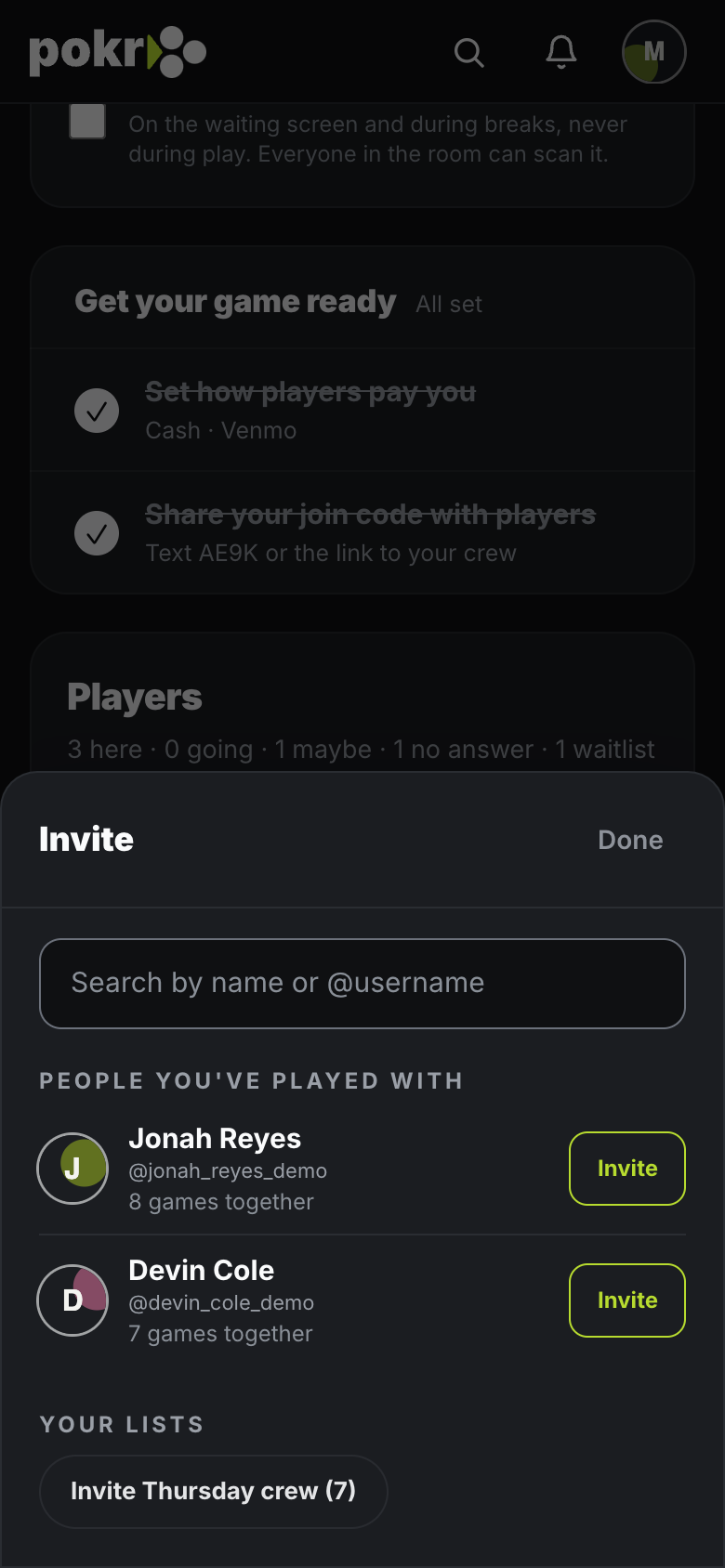
Step 2: Your lists
Under Your lists, one tap invites everyone on a list, like Invite Thursday crew (7).
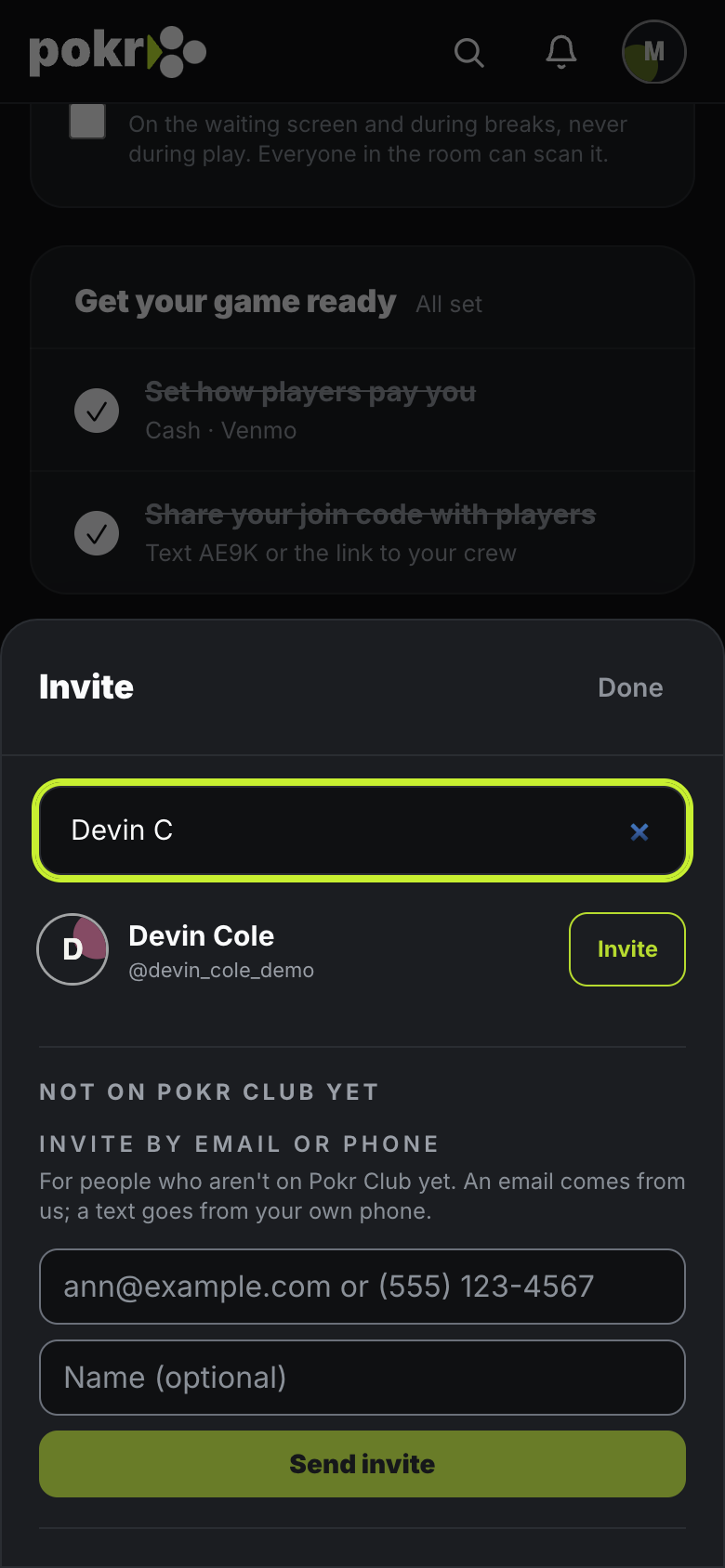
Step 3: Anyone else
Type at least two letters of a name or @username, then tap Invite beside them.
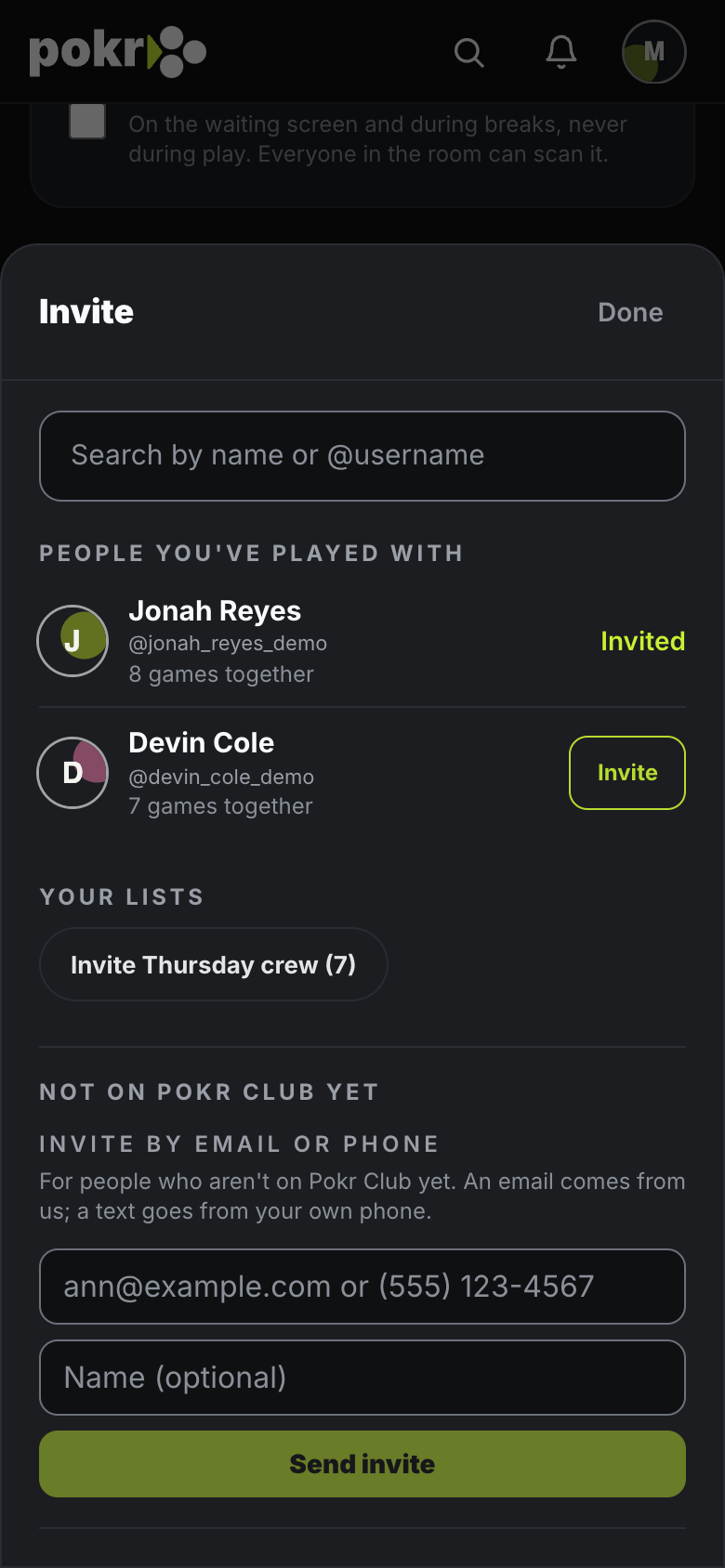
Step 4: Not on Pokr Club yet
Invite someone by email, or by text from your own phone.
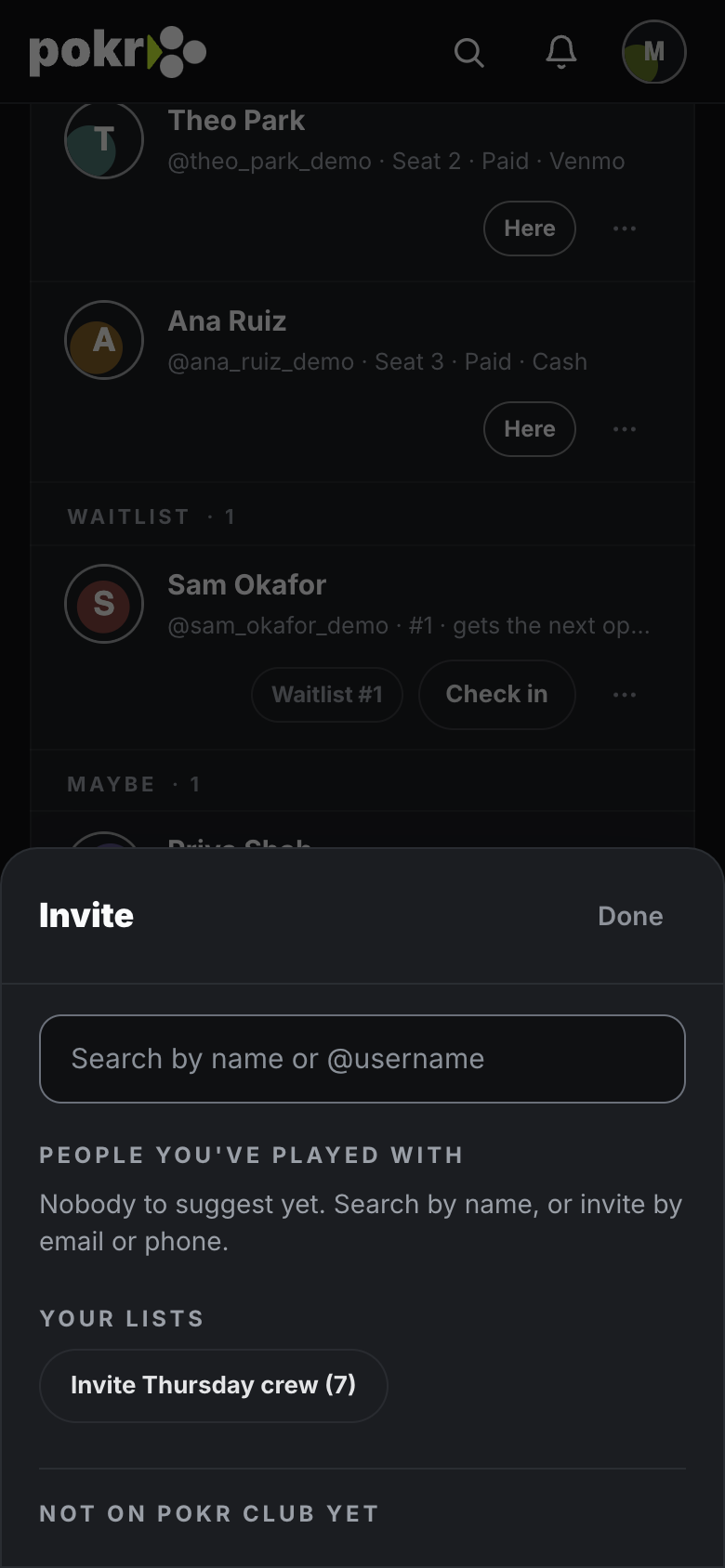
Step 5: Done
Tap Done. Invited people answer with Going, Maybe or Can't make it.
People you invite see the general area of the game. The exact address shows only after they're accepted.
Was this helpful?
Related
- RSVP and the waitlistGoing, Maybe, Can't make it, and what your place on the Waitlist means.
- Add a co-hostA co-host runs the night with you: the clock, check-in, buy-ins, knockouts and the square-up. A few things stay yours alone.
- Join a game with a codeGot a 4-character code from a host? Here's how to get in.
Pokr Club runs the game. What you play for is up to you.