Playing · 1 min read
Join a game with a code
Open pokr.club/join and type the 4-character code the host gave you. A link from the host works the same way.
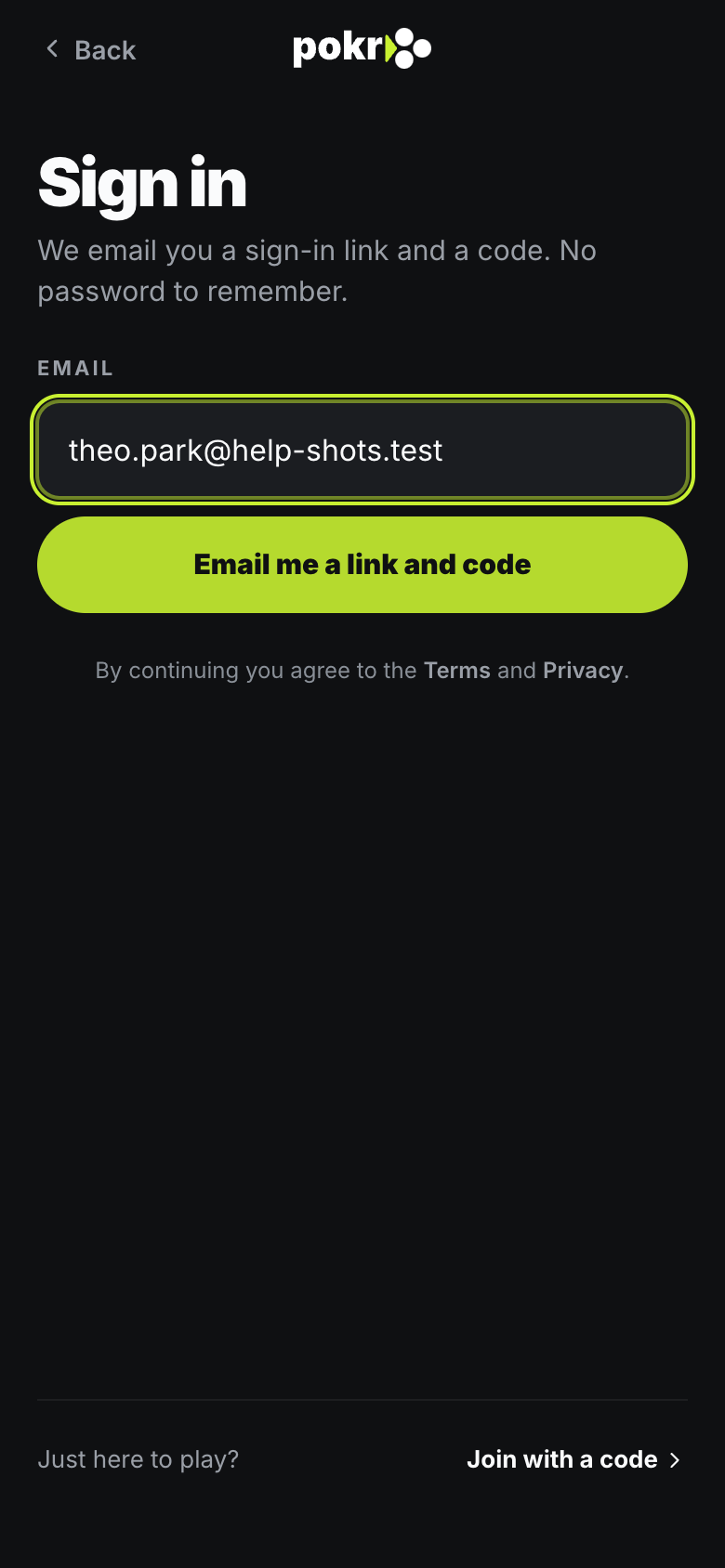
Step 1: Sign in
Enter your email and type the code we send you. No password.
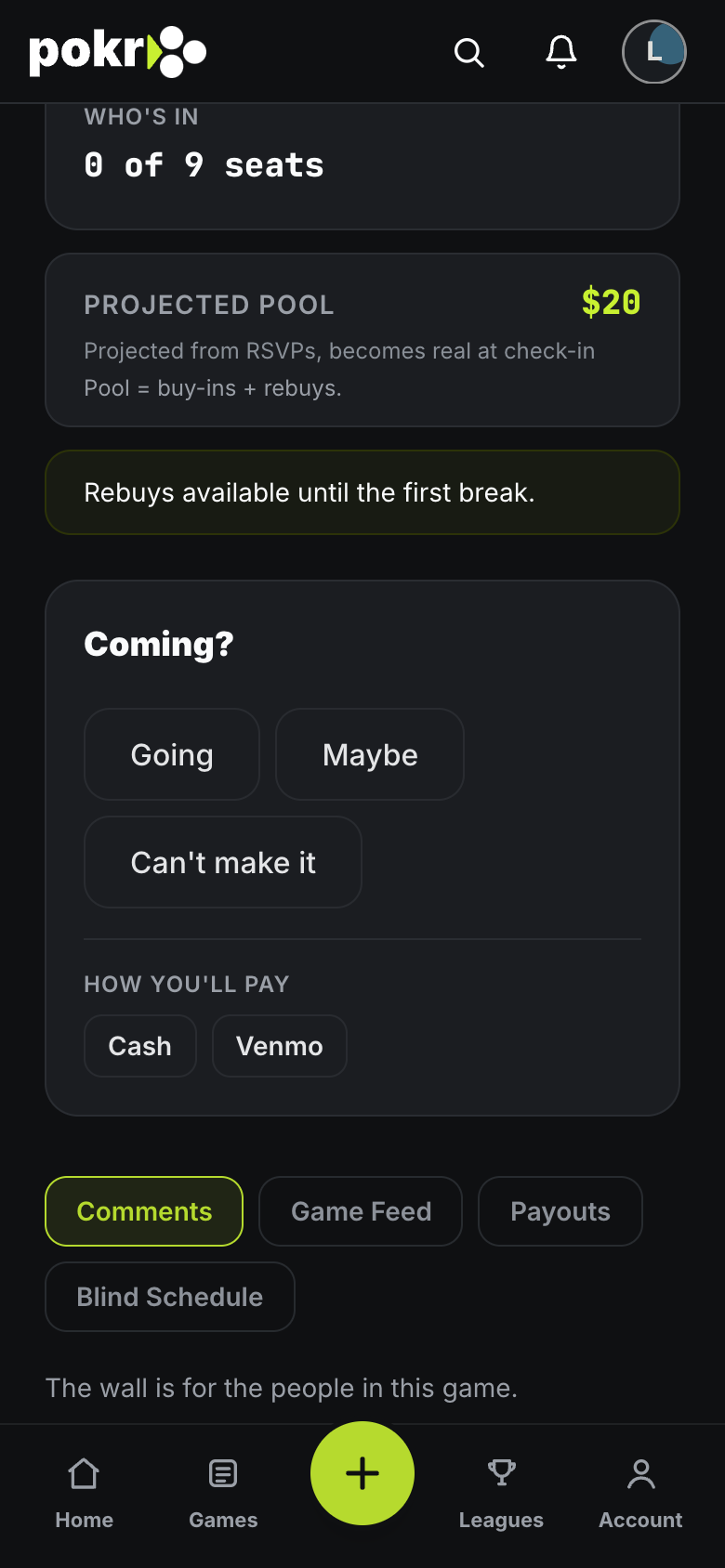
Step 2: Say you're coming
If the host invited you, tap Going. If not, ask to join and the host approves you.
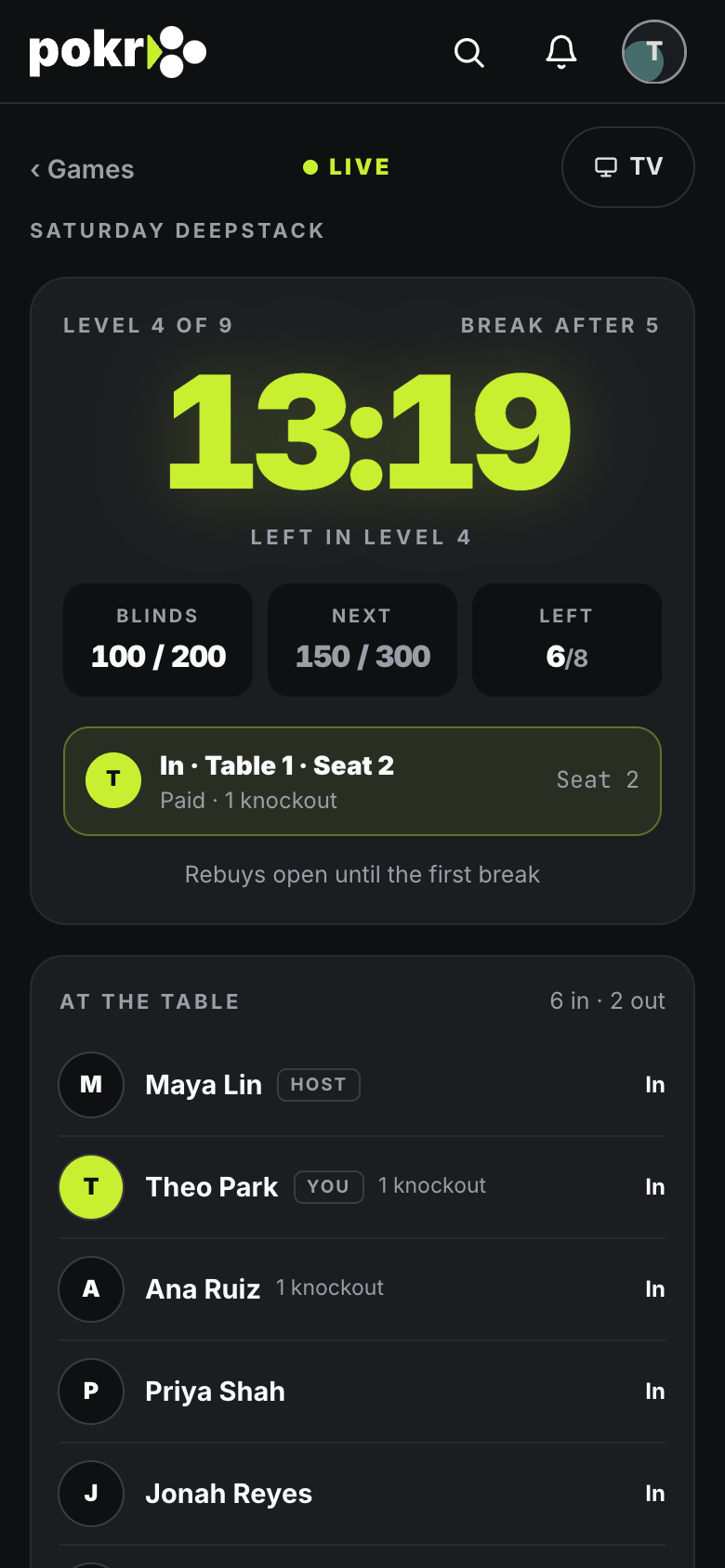
Step 3: At the game
The host checks you in and seats you. Your seat, the clock and the blinds show on your phone.
Can't find the game? Check the code with the host. Codes never use the letters I or O or the numbers 0 or 1, so there is nothing to mix up.
Was this helpful?
Related
- RSVP and the waitlistGoing, Maybe, Can't make it, and what your place on the Waitlist means.
- Run your first gameFrom an empty table to a recorded result: create the game, get people in, put the clock on the TV, run the night and square up.
- Your Pokr Hand and ChipsYour Pokr Hand is your career at the table in ten tiers. Chips mark what you've done.
Pokr Club runs the game. What you play for is up to you.