Hosting · 2 min read
Run your first game
Your first night with Pokr Club, start to finish. Each step takes a minute or less.
Step 1: Create the game
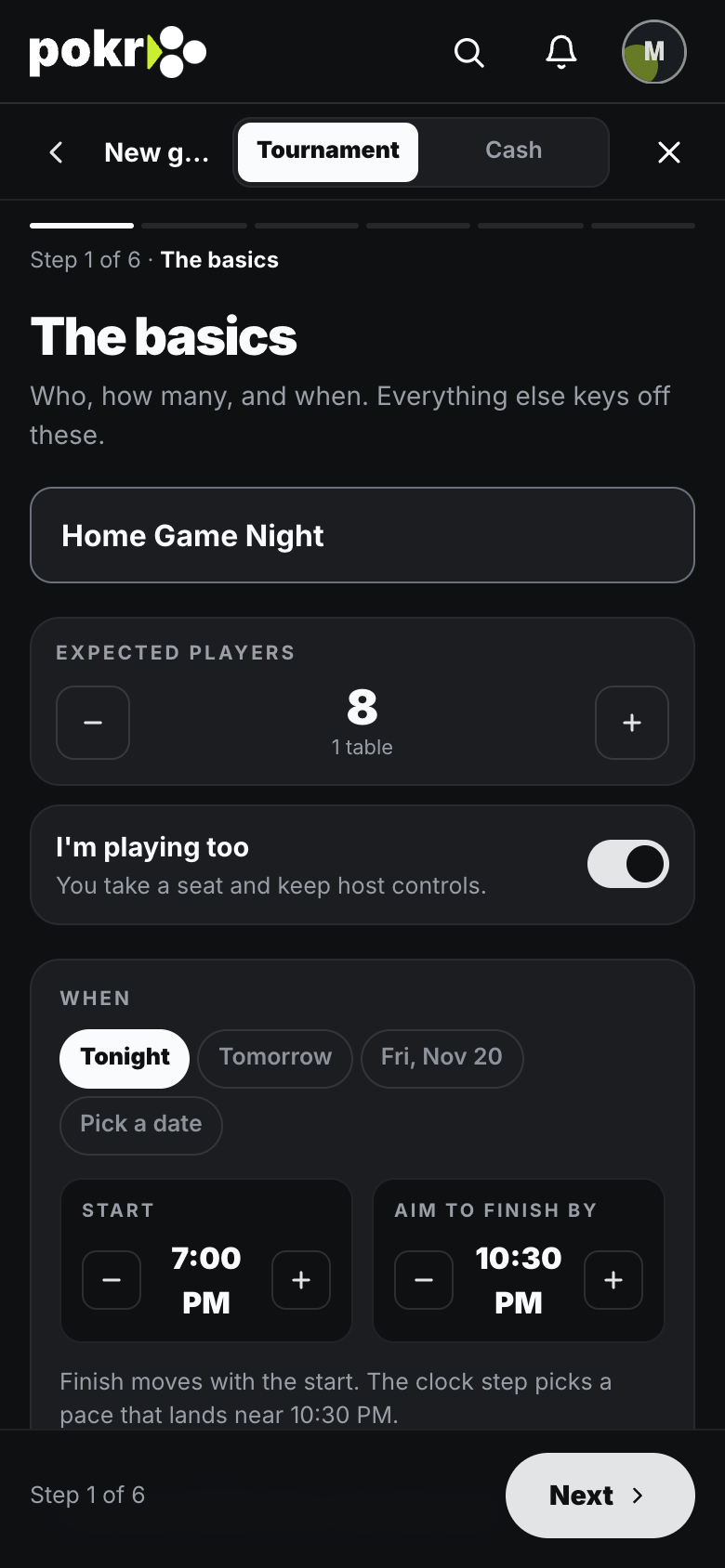
Tap Create, name it, and pick when and where. The defaults are good for a first night; you can change anything in the lobby until you start. Create a game has the details.
Step 2: Get people in
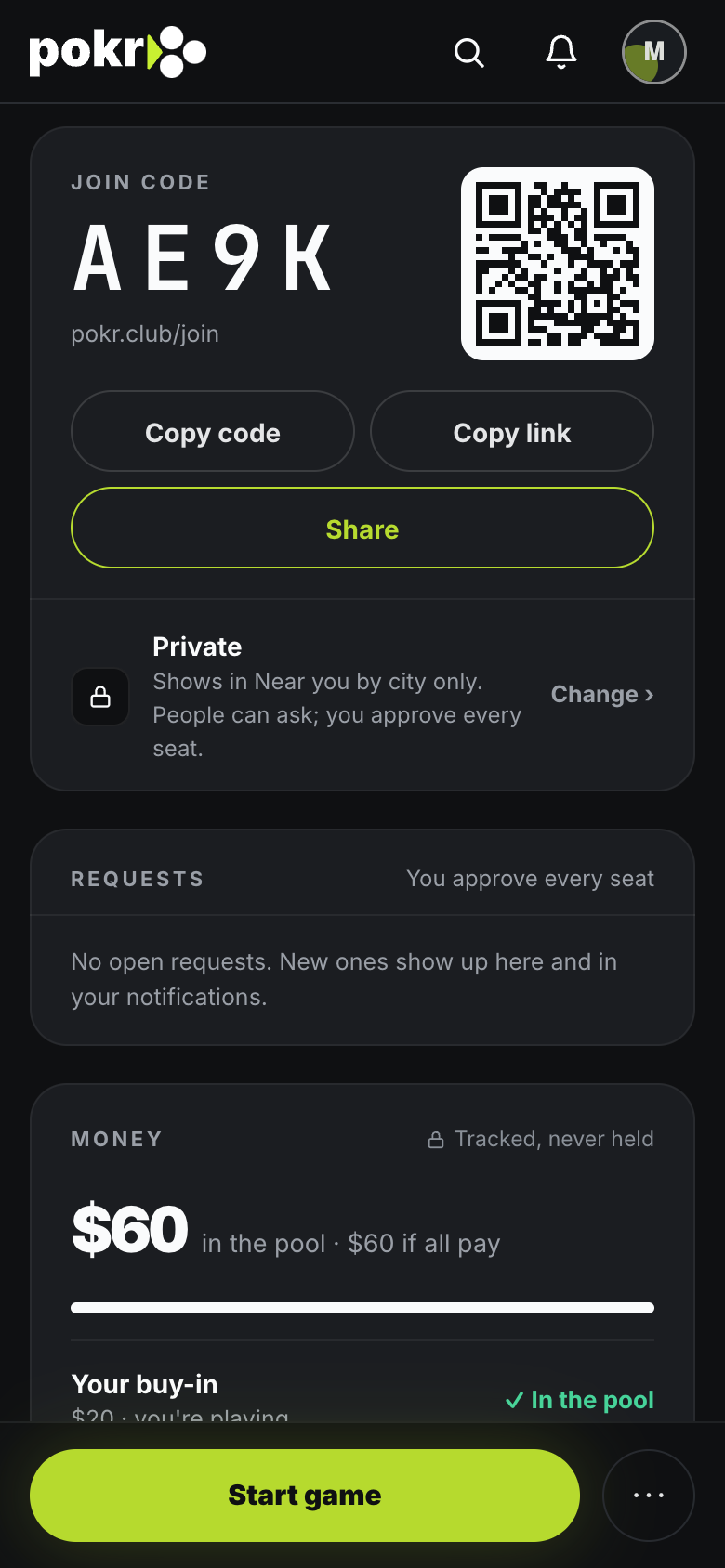
Your lobby has a 4-character join code. Share it, or tap Invite to ask people you've played with. Players see the general area only; the exact address is for the people you accept. Invite players
Step 3: Put the clock on the TV
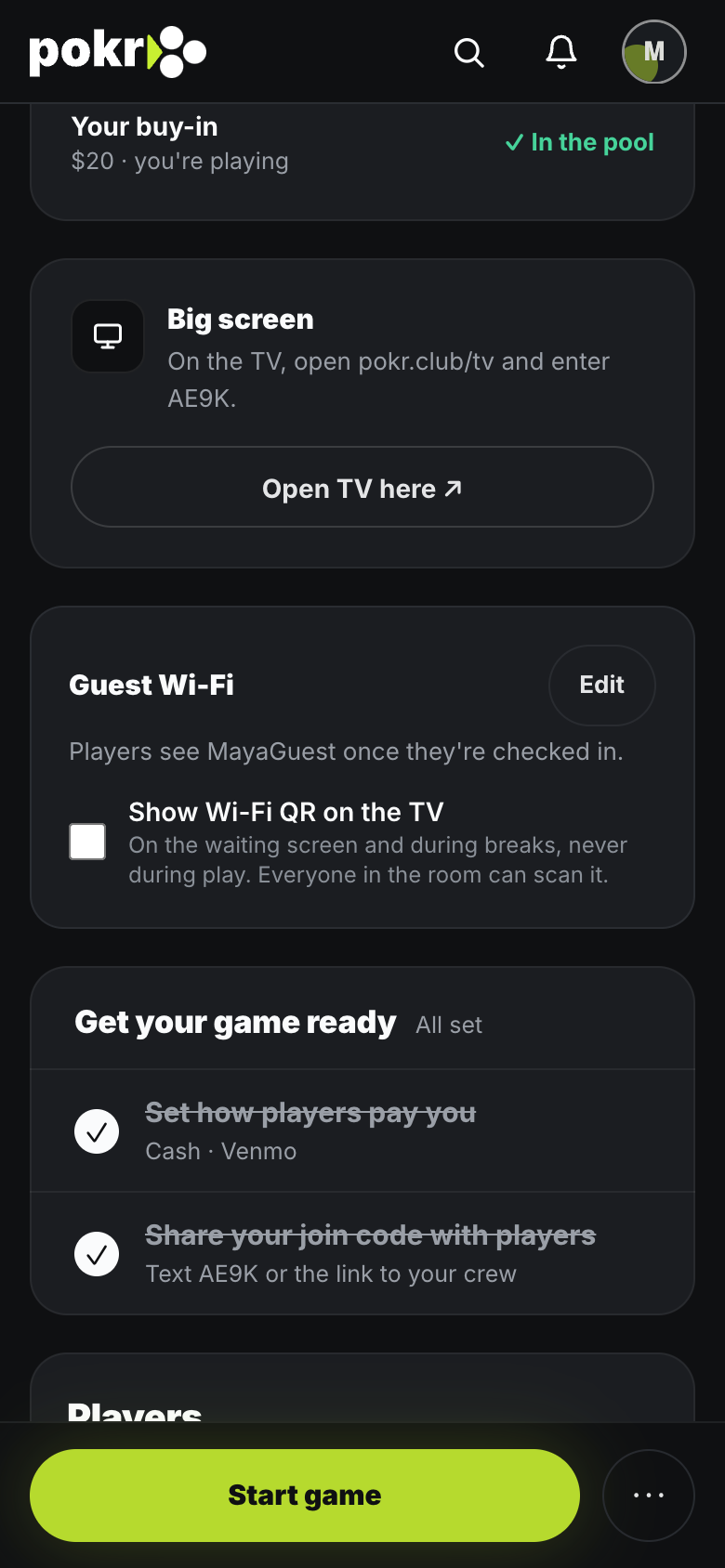
Tap Open TV, or open pokr.club/tv on any screen with a browser and enter the code. Put the clock on your TV
Step 4: Check people in as they arrive
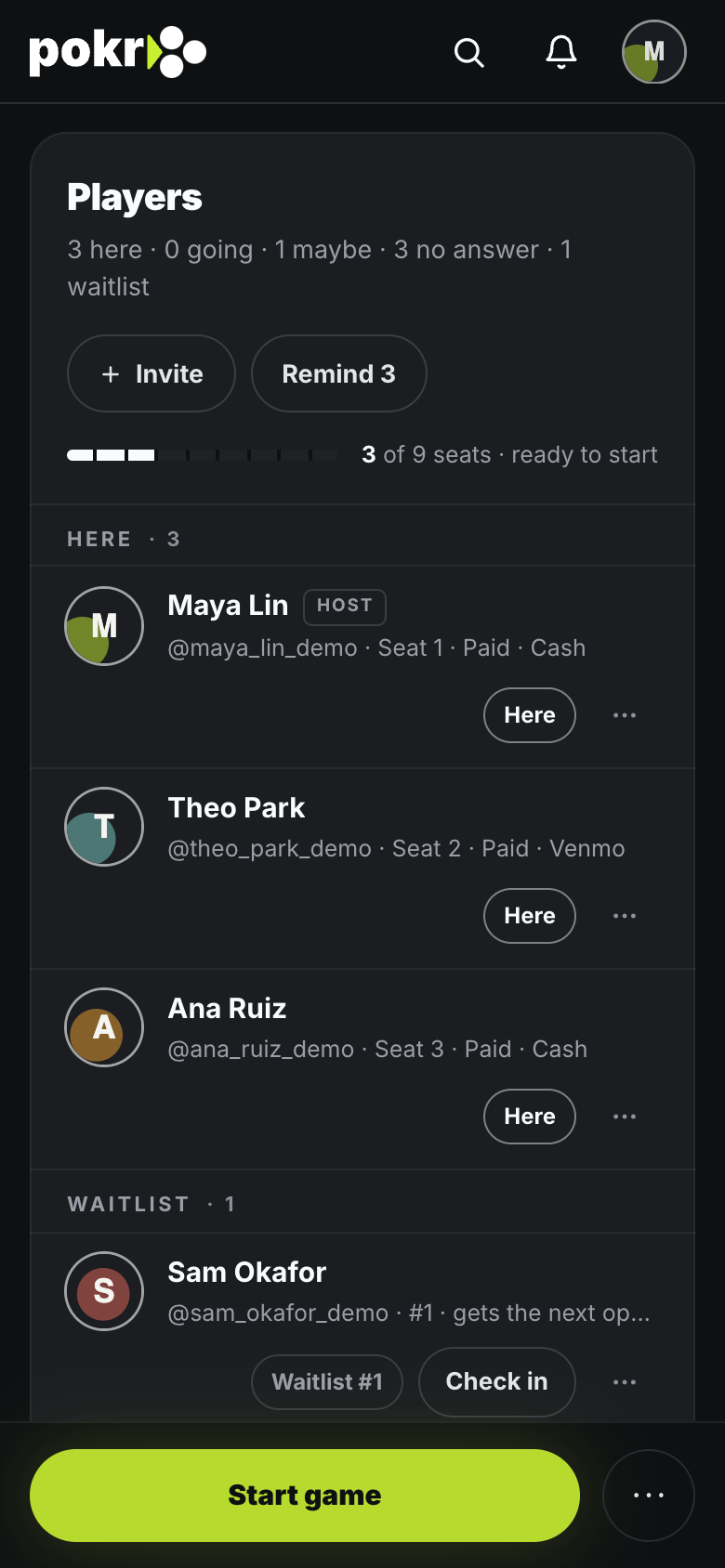
Check in shows what each player owes and asks Paid now or Owes; someone can sit down owing and pay later.
Step 5: Start game
The clock runs on our servers, so a phone that falls asleep or a dropped connection doesn't lose time. Use Pause for a break you didn't plan, and Next level if you want to move on early.
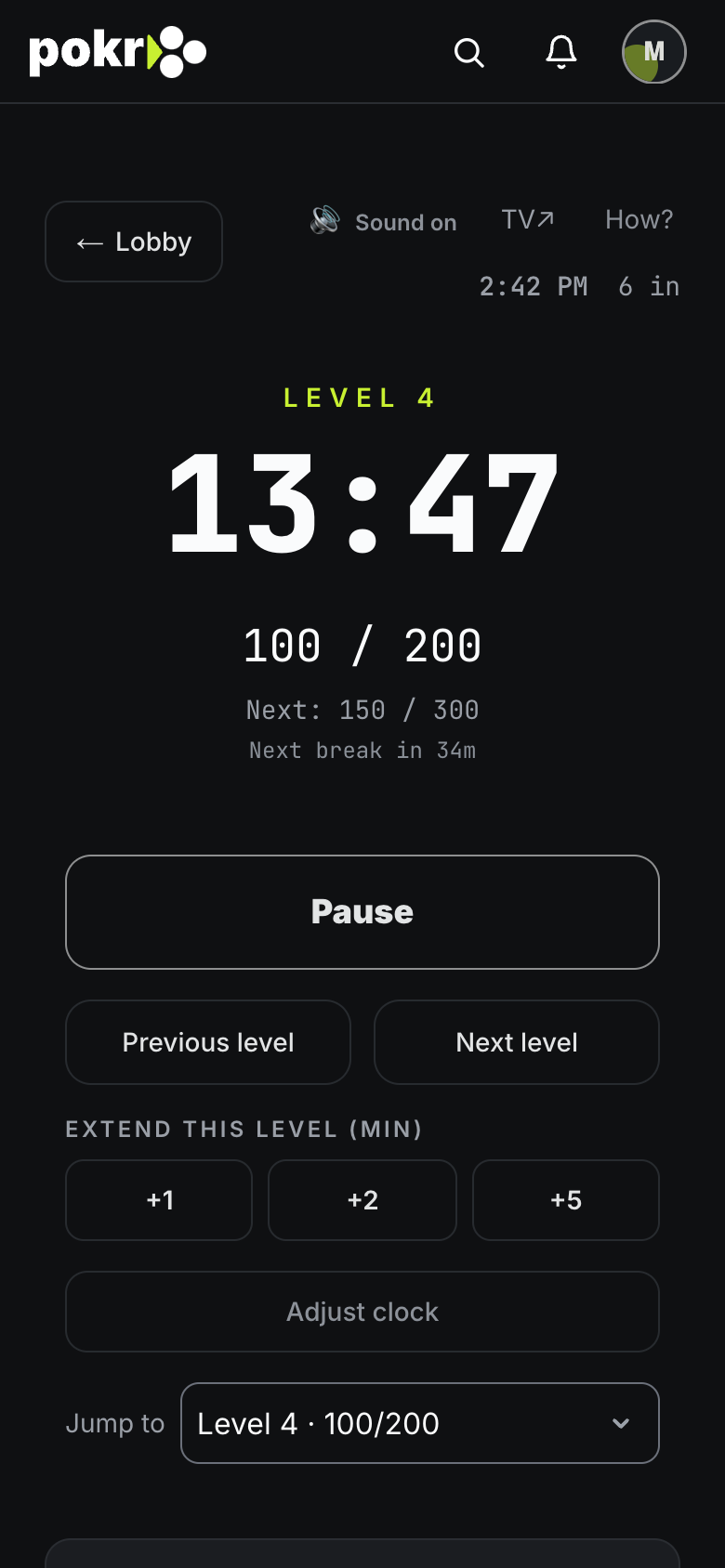
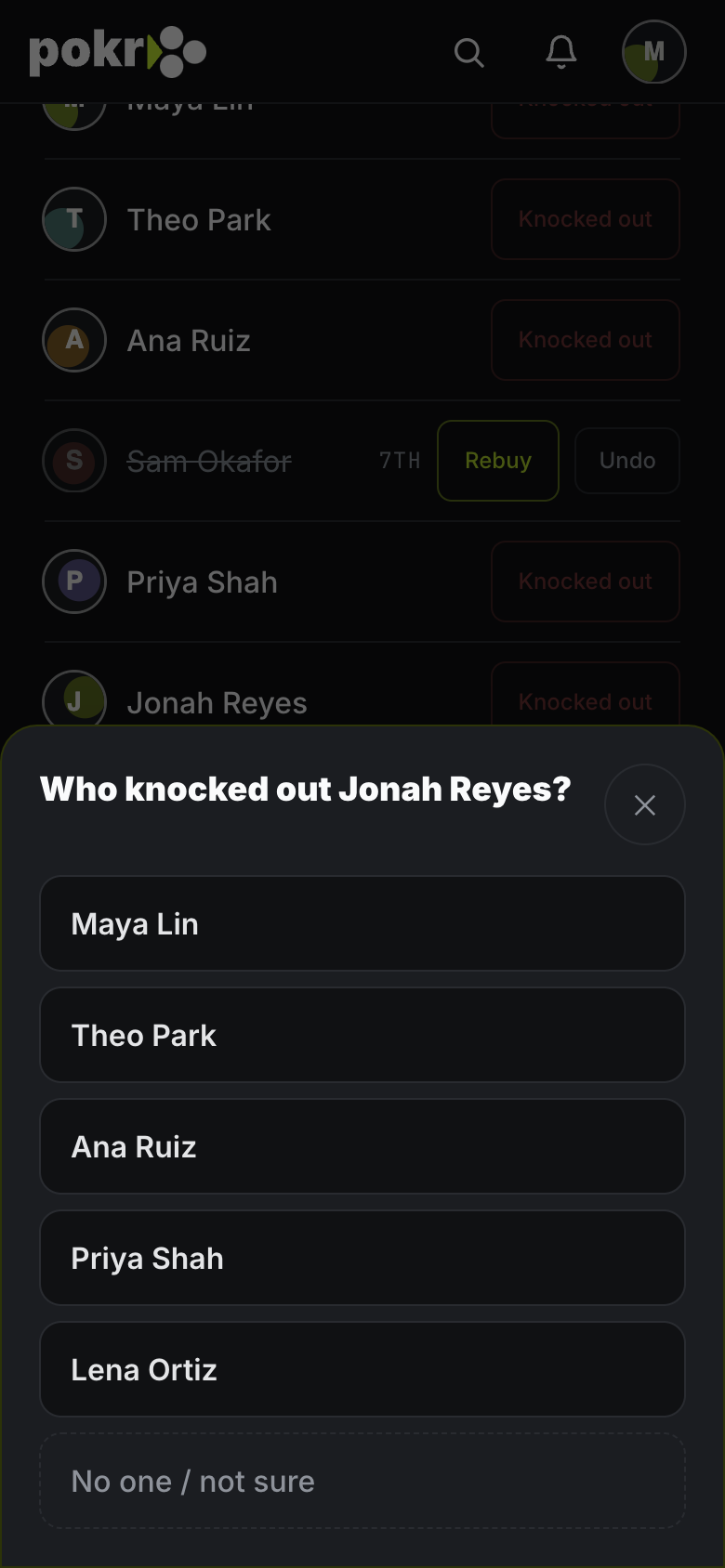
Step 6: When someone's out, tap Knocked out
And pick who knocked them out. Made a mistake? Undo puts them back. Rebuy and Add-on are there if your game allows them.
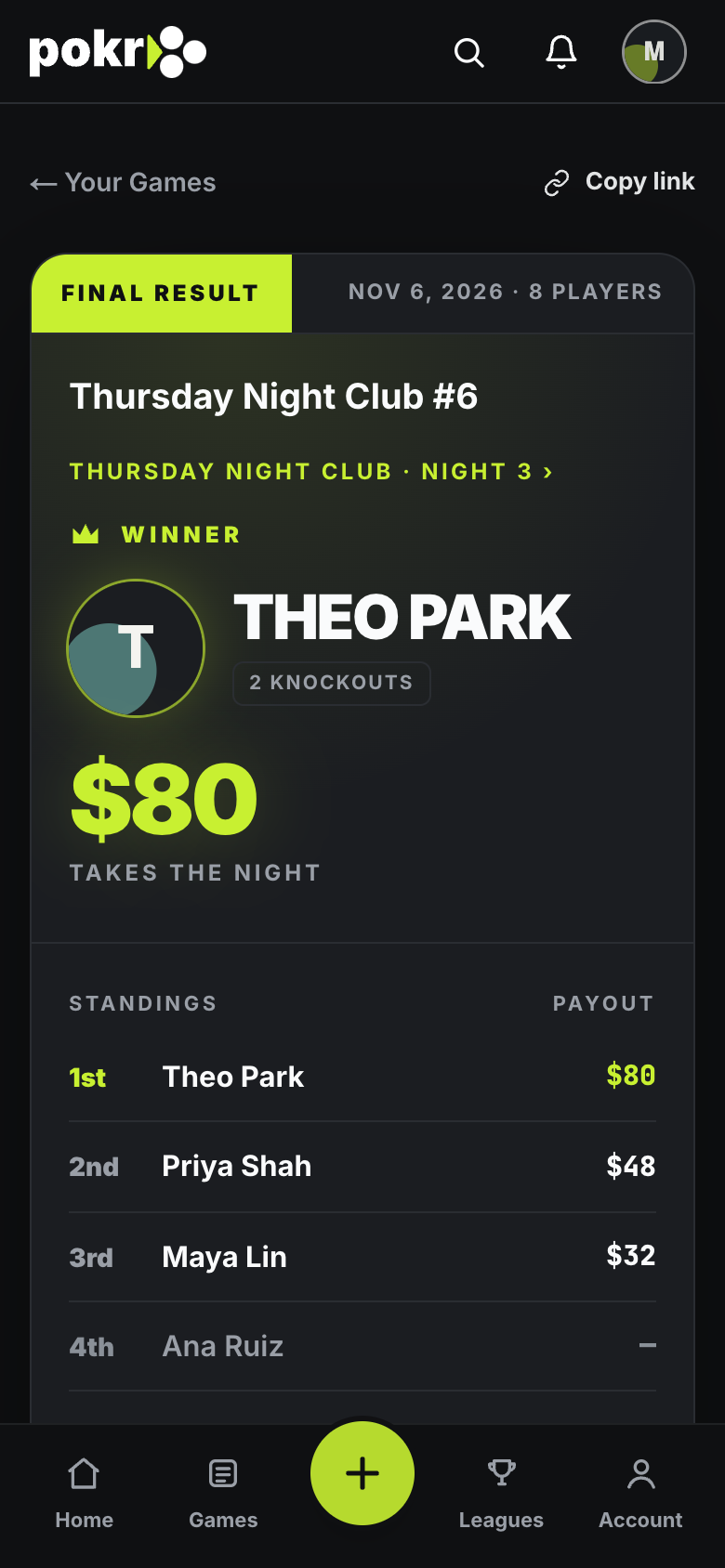
Step 7: End game
With one player left, tap End game and everyone's finish is recorded. Two or more still in and they agree to split? Tap Chop, set their places, and tap End with this chop.
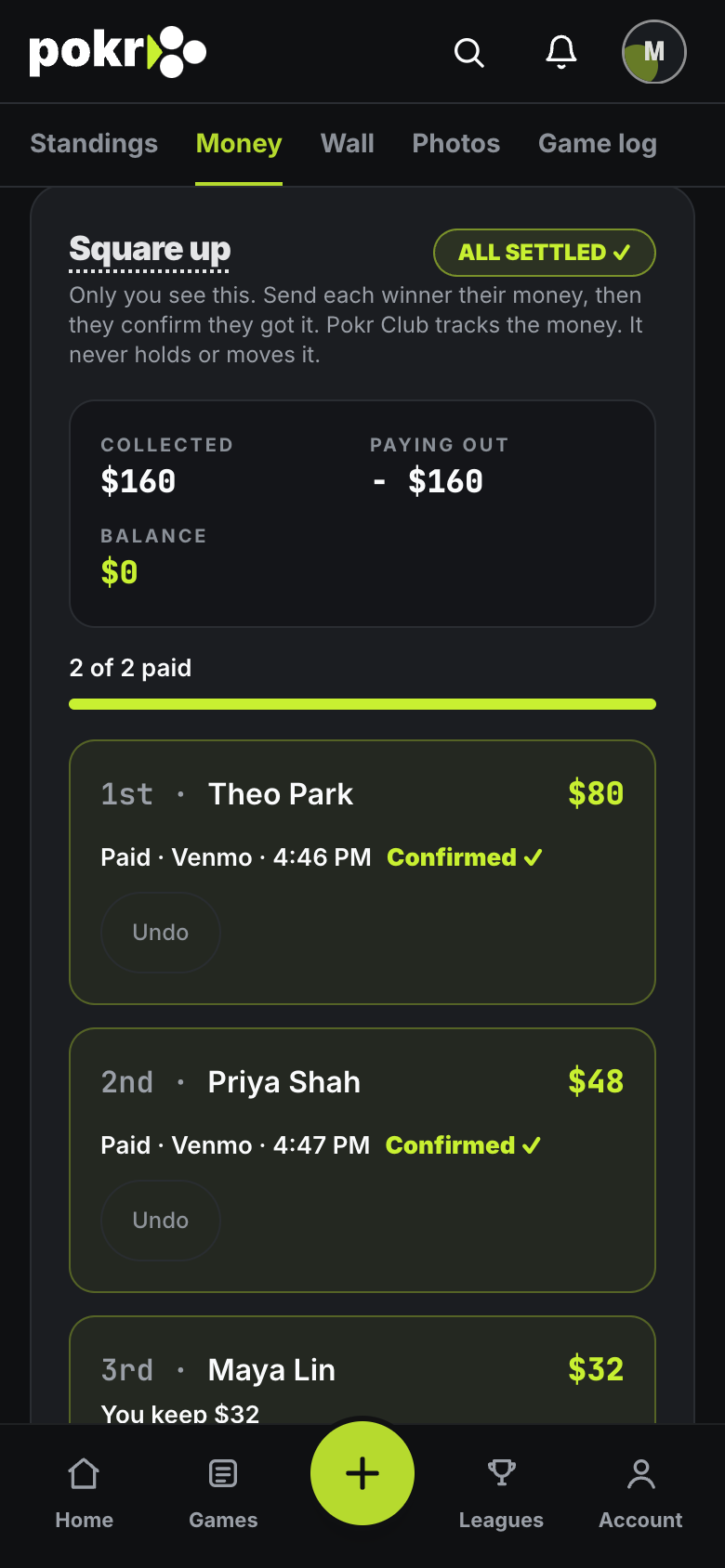
Step 8: Square up
The results page shows who's owed what. Pay each winner, tap Mark paid and pick how you paid; the player gets a note and taps Got it once the money lands. Square up
That's it: the night is on record, and the next one starts from the same settings with Run it again.
Was this helpful?
Related
- Create a gameSet up a home game in a minute: when, where, the buy-in and the blinds. Change anything later.
- Invite playersInvite the people you play with, find anyone else by name, or add a whole list at once.
- Put the clock on your TVThe clock is a web page. Put it on the TV by AirPlay, or with a laptop on HDMI.
Pokr Club runs the game. What you play for is up to you.