Hosting · 1 min read
Create a game
Tap Create and give the game a name. Everything else has a sensible default, so you can create it now and fine-tune later.
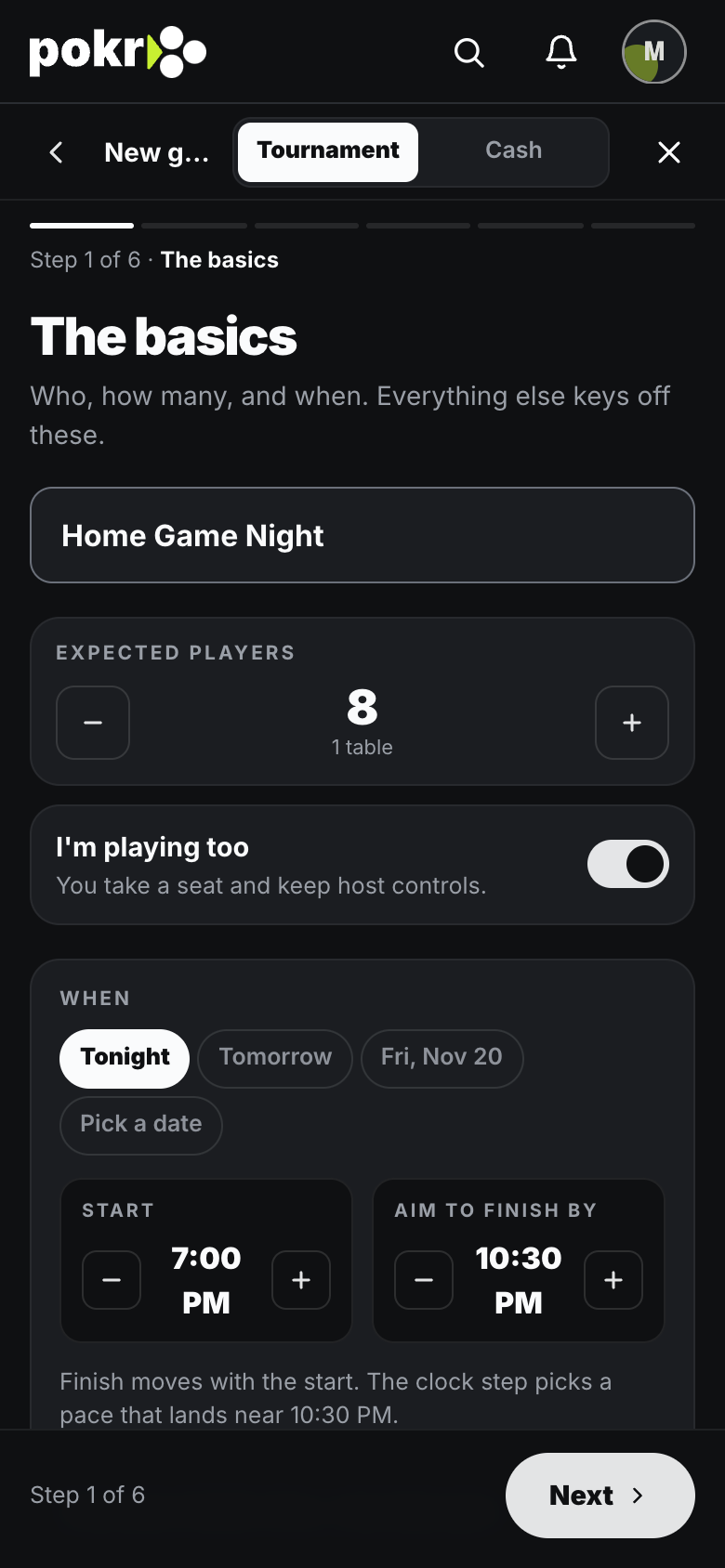
Step 1: When
Tap Tonight, Tomorrow or the coming Friday, or pick another day. Set Start, and Aim to finish by if you like.
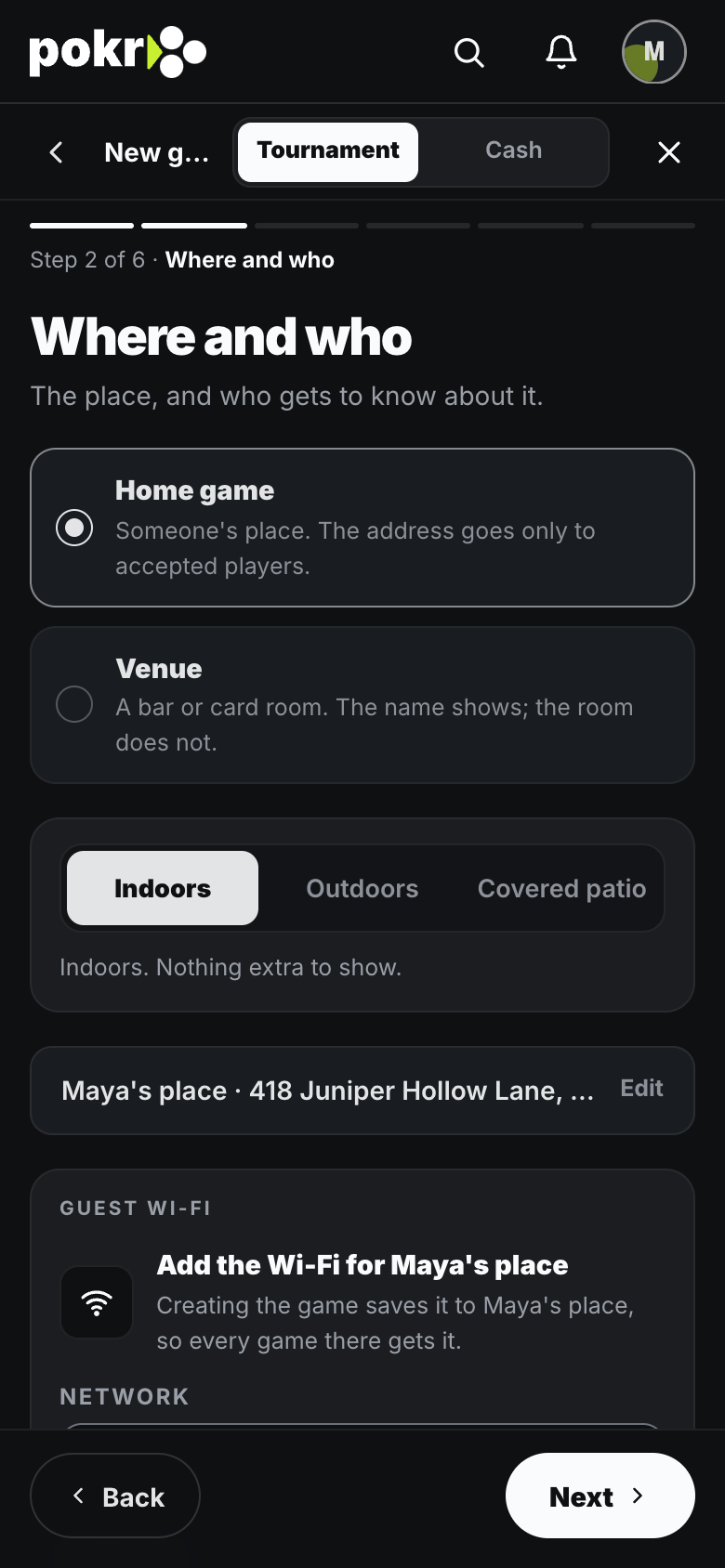
Step 2: Where
Choose your place or a venue. Players see only the general area until you accept them; the exact address is for accepted players.
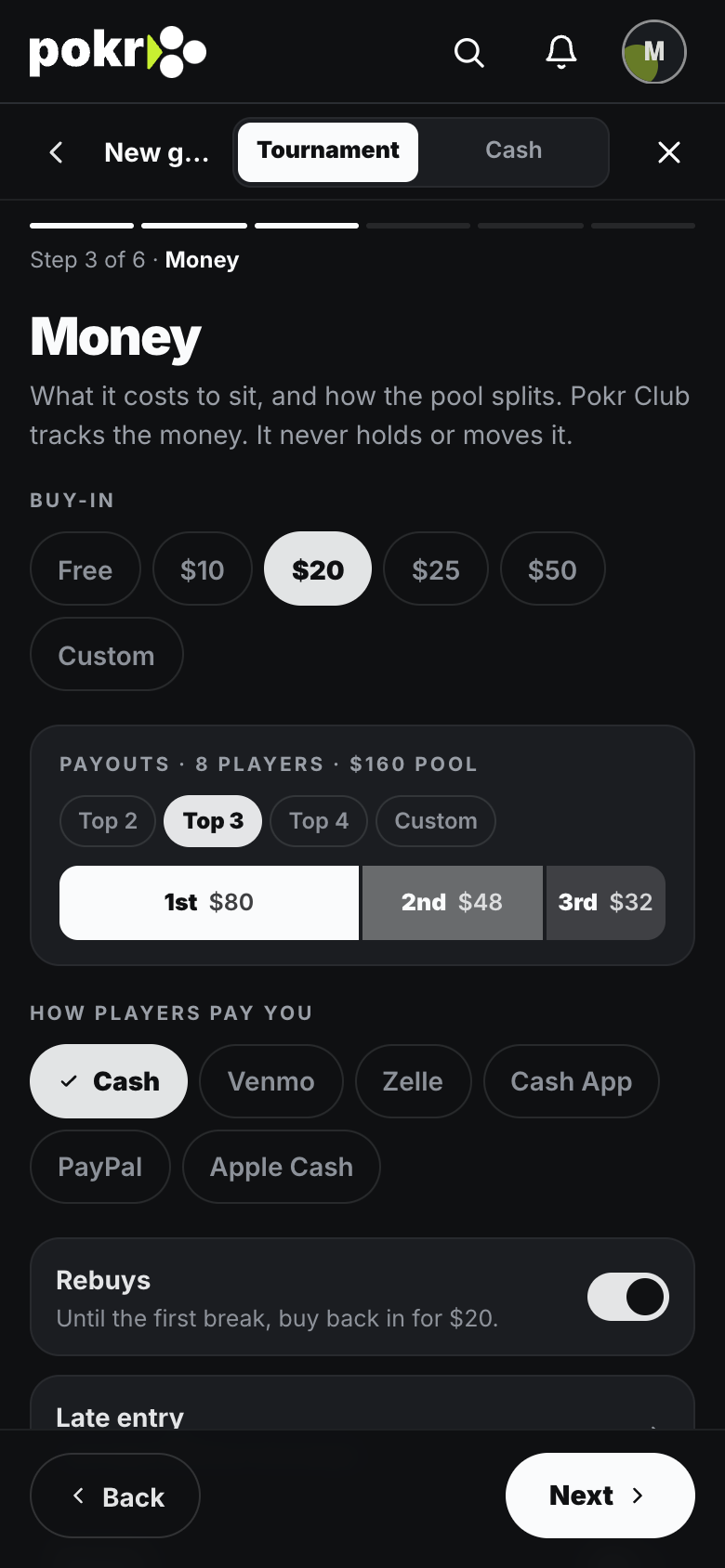
Step 3: Buy-in and payouts
Set the buy-in and how the pool is split.
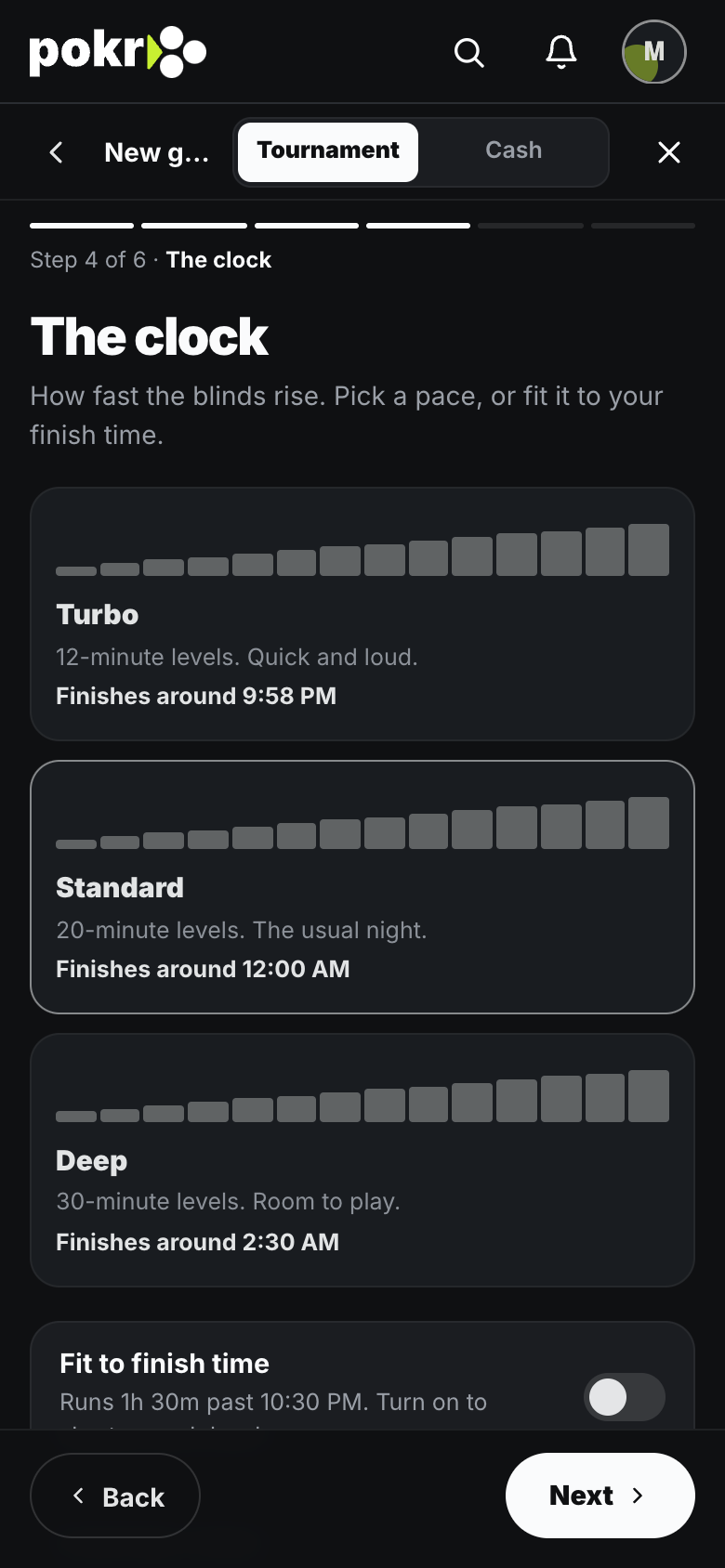
Step 4: Levels and chips
Pick the level length, or edit the blinds one by one.
Step 5: Create
You land in the lobby with a 4-character join code to share.
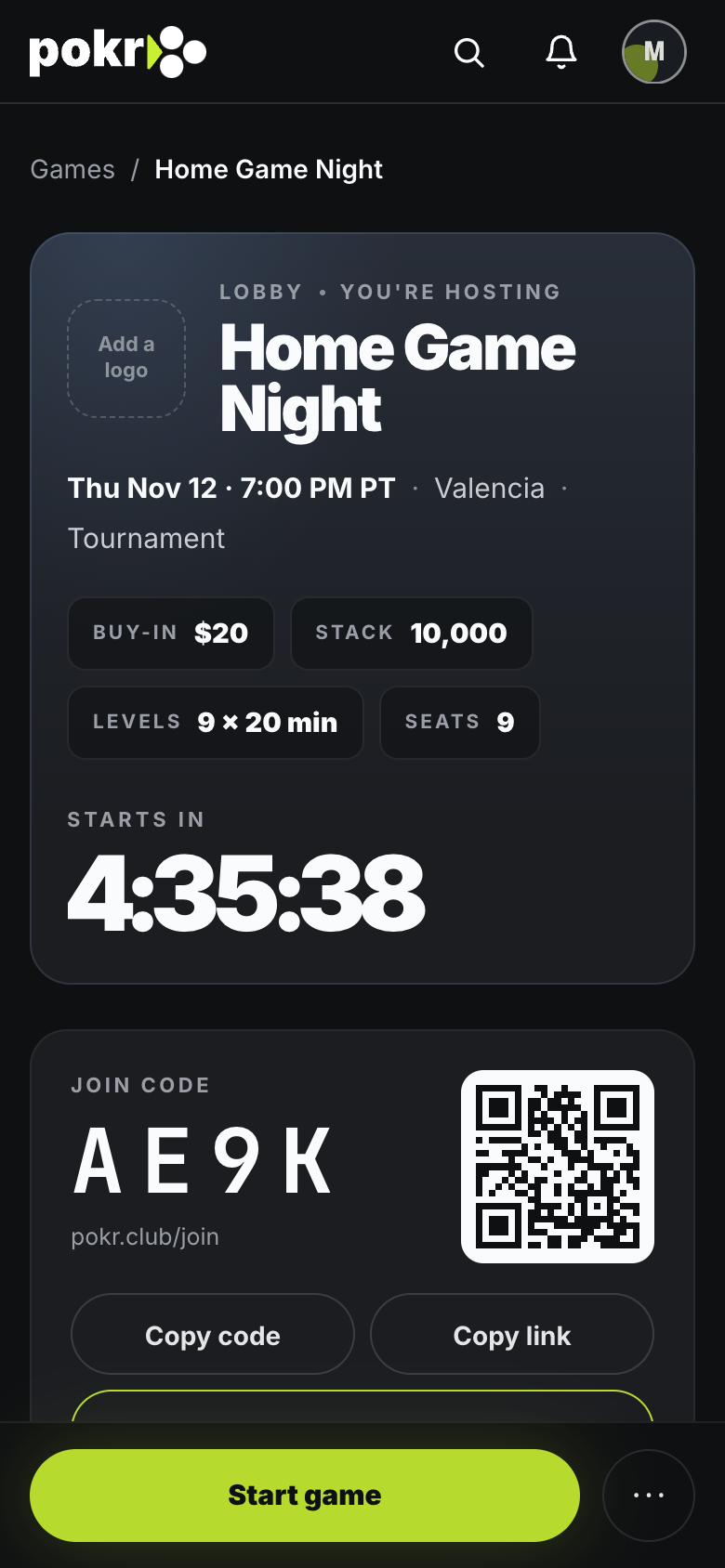
You can change every setting from the lobby with Edit settings until the game starts.
Was this helpful?
Related
- Buy-ins, rebuys and bountiesWhat each one is, how you set it up, and how the prize pool adds up.
- Invite playersInvite the people you play with, find anyone else by name, or add a whole list at once.
- Put the clock on your TVThe clock is a web page. Put it on the TV by AirPlay, or with a laptop on HDMI.
Pokr Club runs the game. What you play for is up to you.