Hosting · 1 min read
Put the clock on your TV
The clock is a web page, so it goes on the TV the way any page does. The clock runs on our servers, so the TV stays in time even if your phone sleeps.
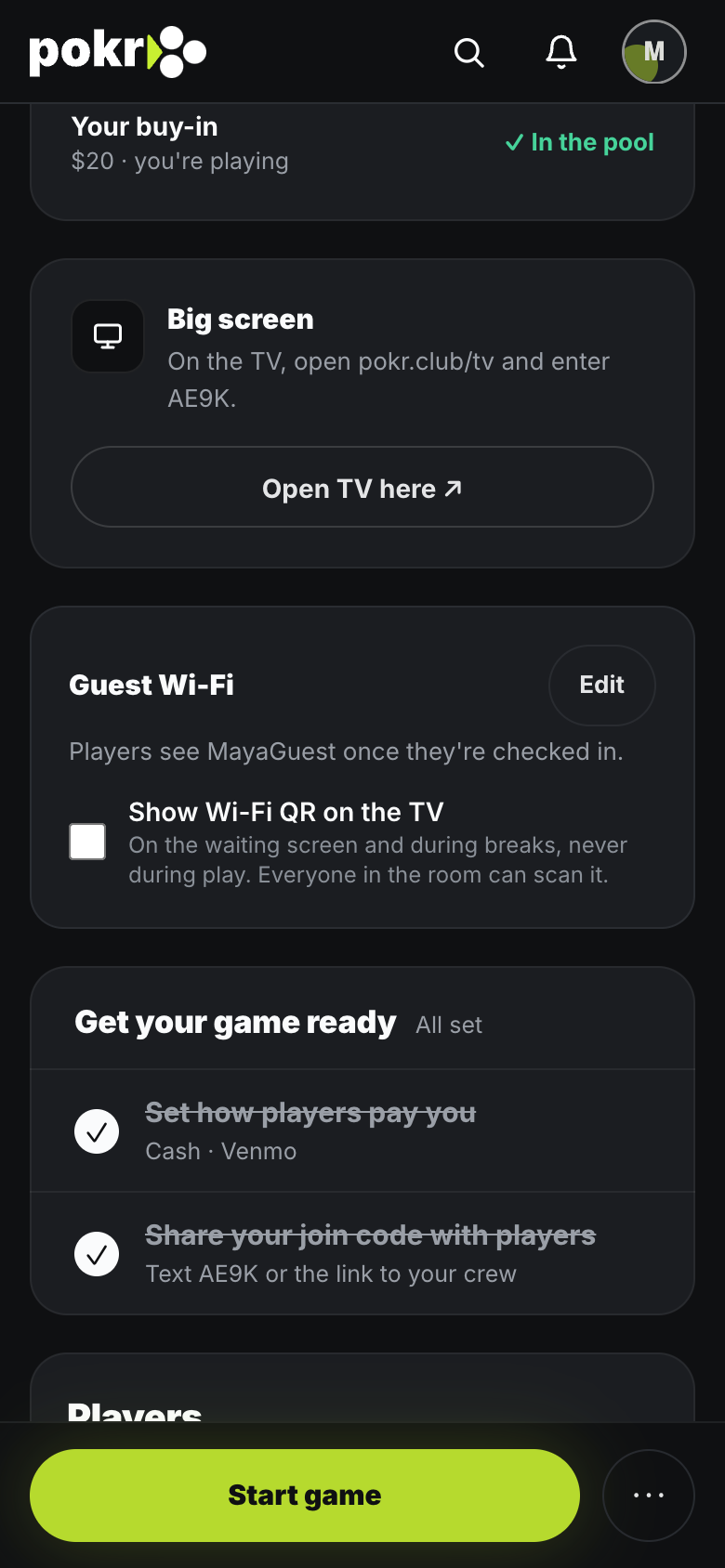
Step 1: Find your code
Open your game's lobby. The Big screen card shows the 4-character code, and Open TV opens the clock on the device you're holding.
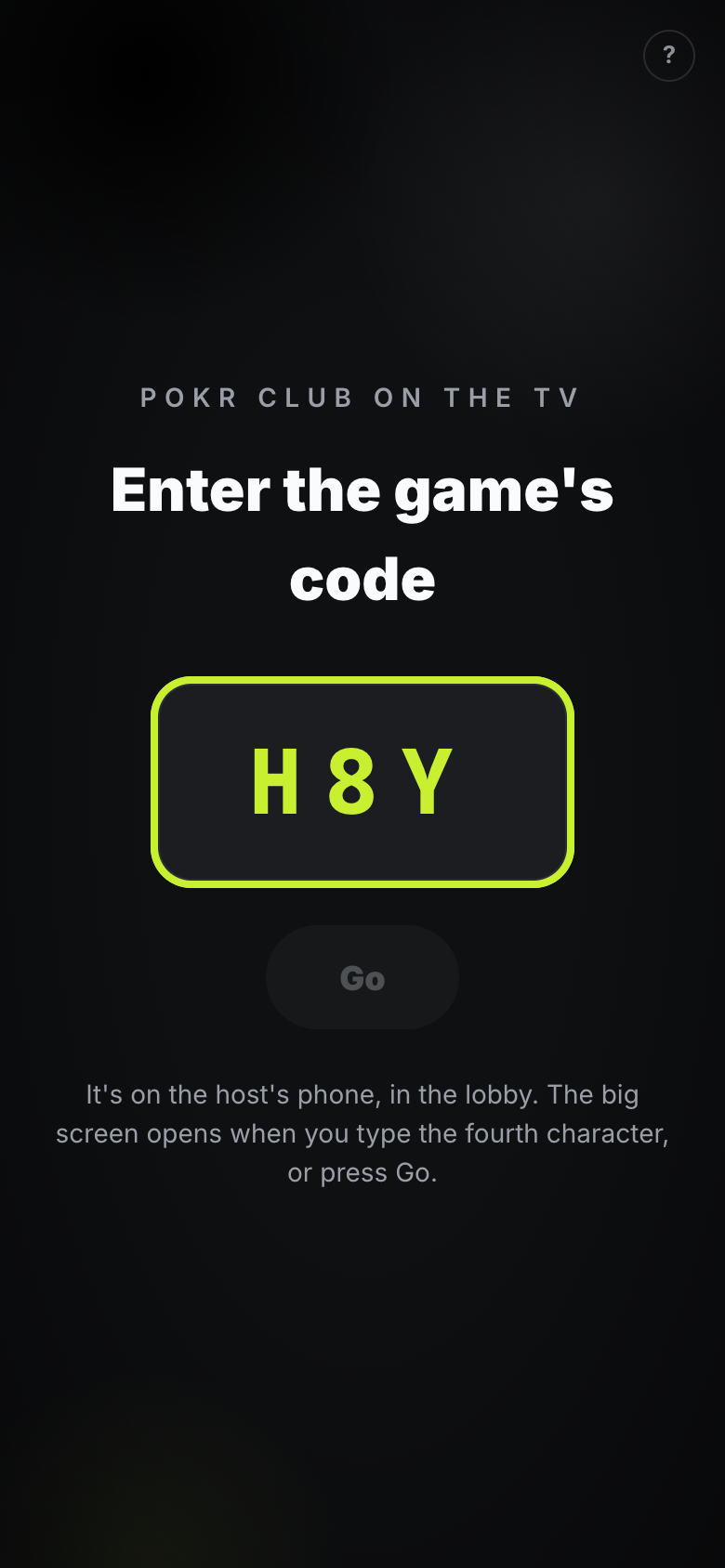
Step 2: On the TV by AirPlay, or a laptop on HDMI
On an iPhone or Mac, open pokr.club/tv in Safari and use Screen Mirroring to an Apple TV or AirPlay TV. On a laptop, connect it to the TV with HDMI and open pokr.club/tv full screen. Type the code and the clock opens. Keep the phone or laptop plugged in and awake.
Step 3: Run the night from your phone
Pause, the next level and knockouts are on your phone. The TV follows on its own.
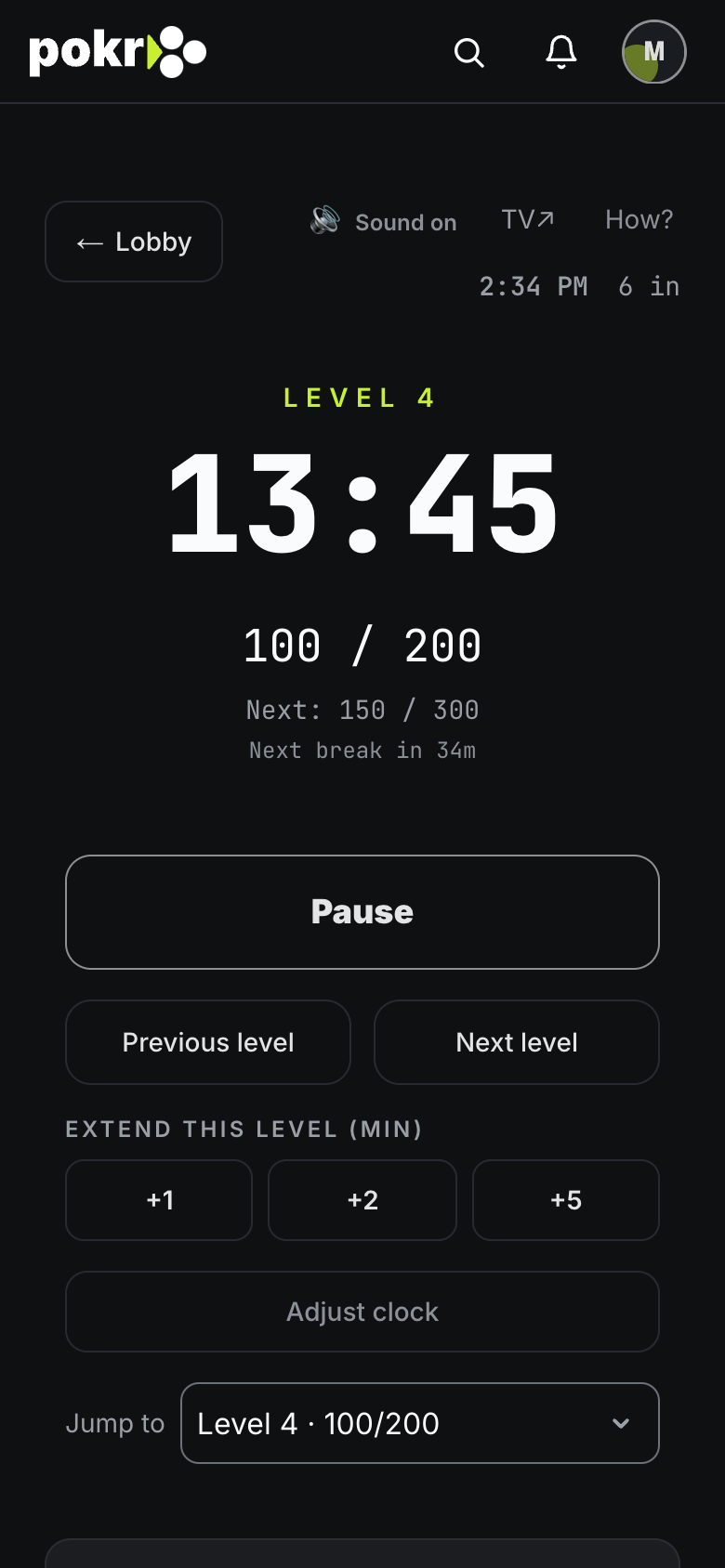
A dropped connection doesn't lose time. When the TV reconnects, it picks up exactly where the game is.
Was this helpful?
Related
- Run your first gameFrom an empty table to a recorded result: create the game, get people in, put the clock on the TV, run the night and square up.
- Create a gameSet up a home game in a minute: when, where, the buy-in and the blinds. Change anything later.
- Invite playersInvite the people you play with, find anyone else by name, or add a whole list at once.
Pokr Club runs the game. What you play for is up to you.